OM Zuiko lenses for Canon instructions
|
 |
|
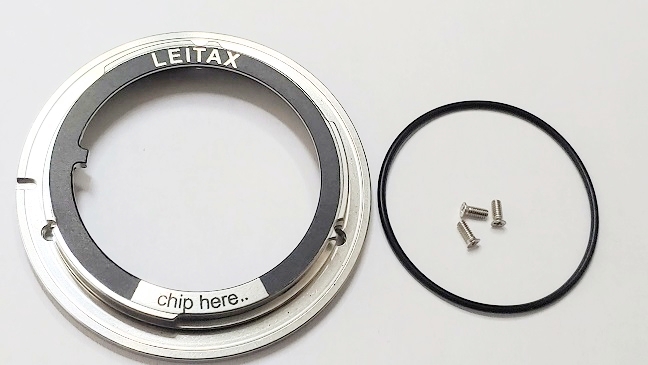
This
is what you receive from Leitax.
|
|
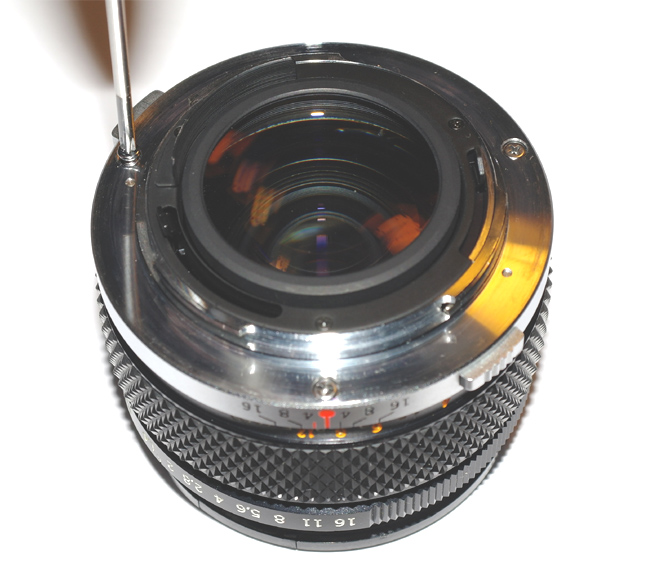
And
this is the OM Olympus 50/1.4 lens that we are going to convert to Canon mount.
First, remove the original screws.
|
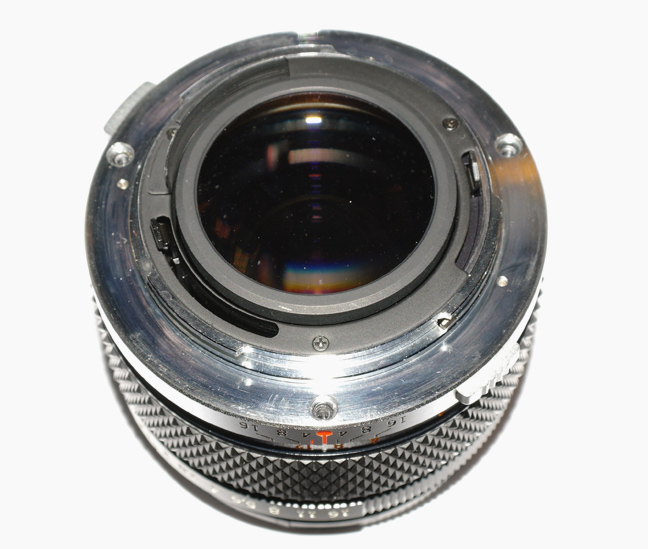
|
But don't remove the lens mount.
|
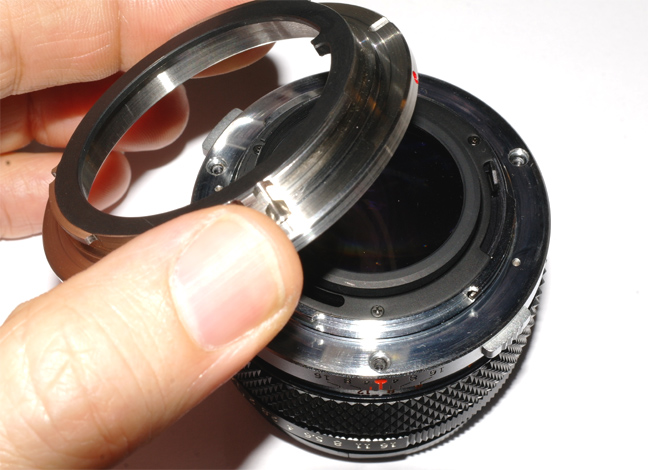
|
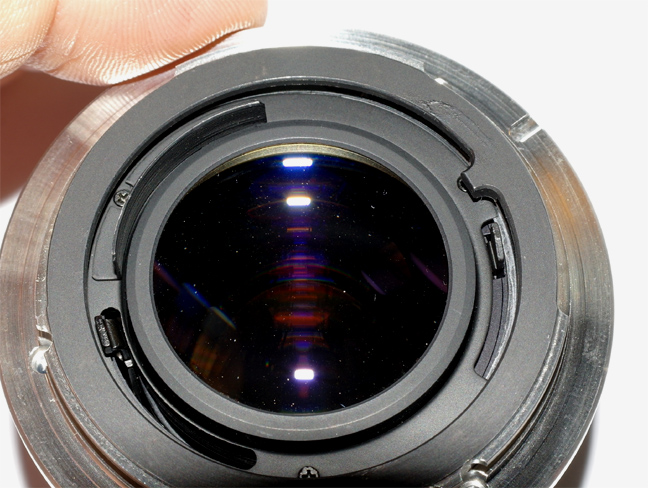
Just put the Leitax mount on top of the original one.
|
|
Pay attention to the auto-aperture lever on the right.
|
|
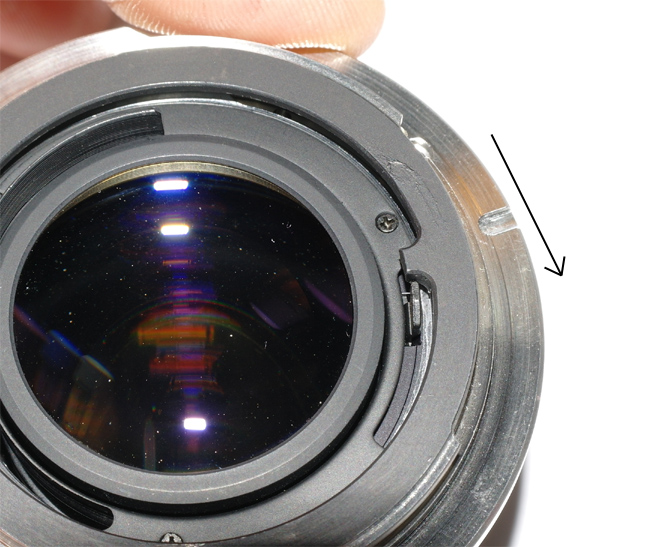
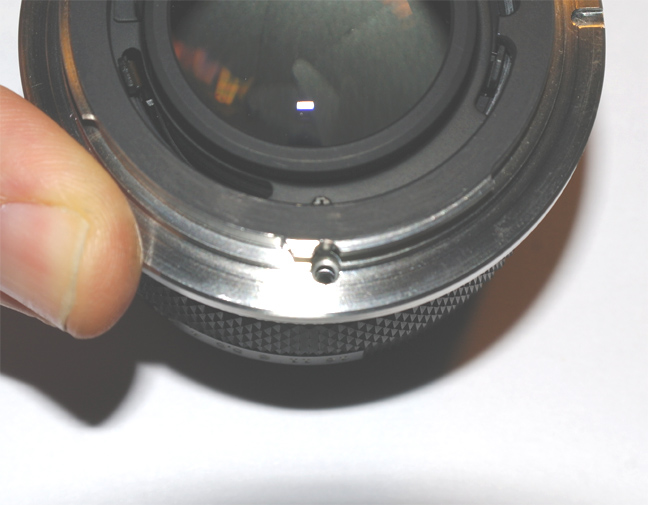
We have to rotate the Leitax mount clockwise pushing it ... |
|
..Until the holes of both mounts coincide.
|
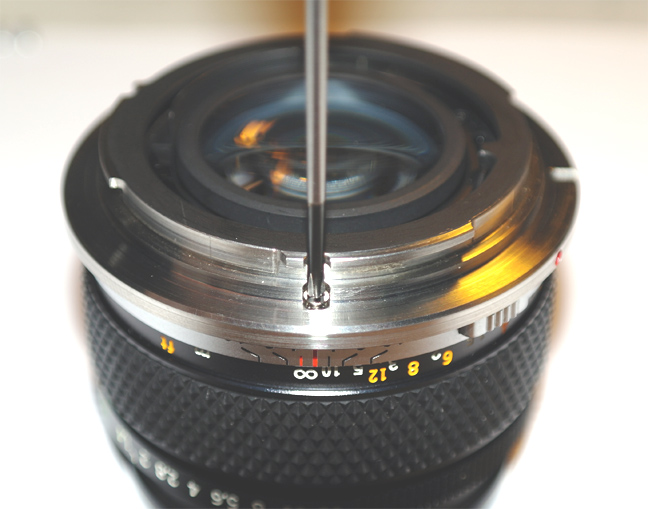 | Now just use the provided screws to attach them firmly.
Tighten the three screws progressively, a bit one after another. |
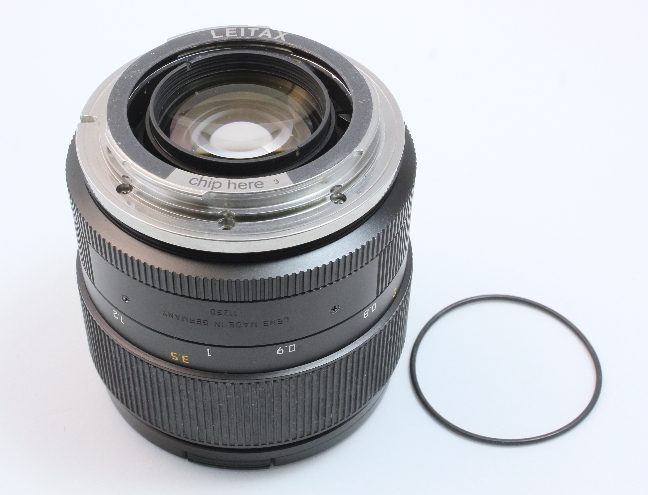 | The Zero-Play design Leitax mount comes with this o-ring. |
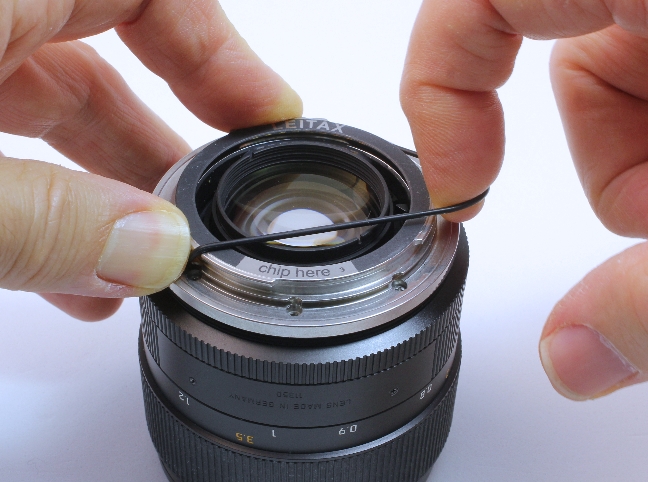 | This is how I put the O-ring on the Leitax mount. |
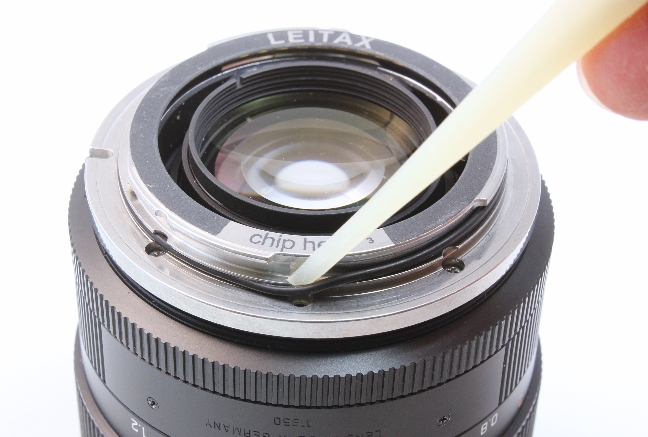 | With the plastic tool , it is easy to bring the O-ring to its place. |
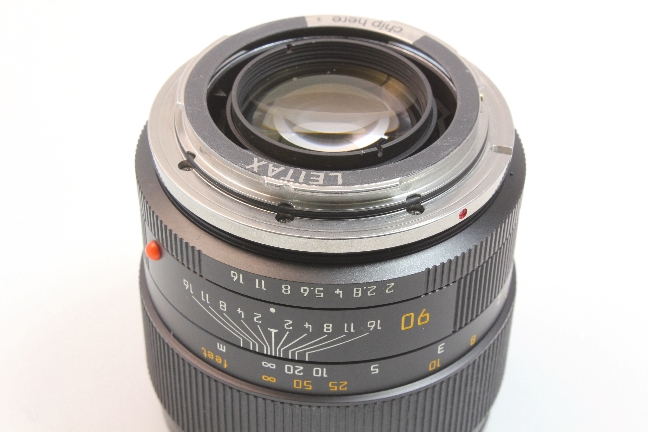 | Ready, now this lens will have no play on the camera. |
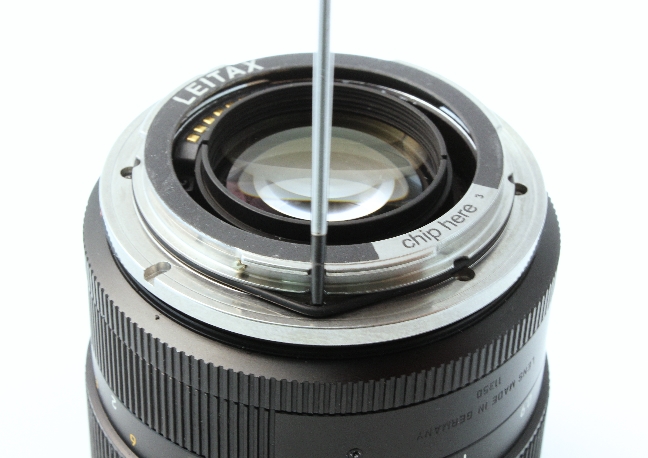 | When you want to remove the Leitax mount, first you'd have to remove the O-ring, I use a small flat screwdriver to catch it. |
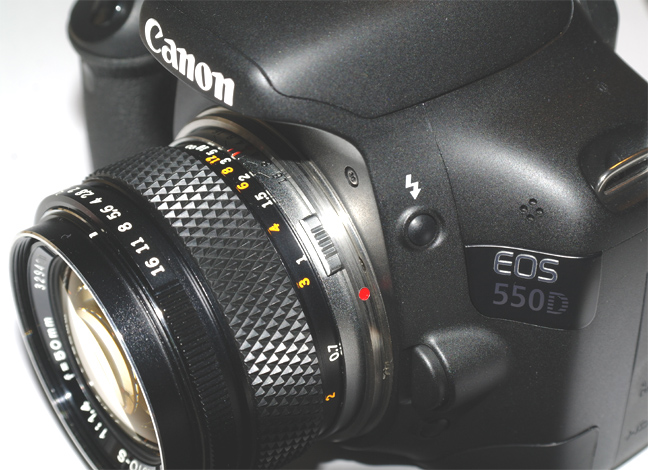 | And it is ready, you can use your Zuiko lens on your Canon camera, it will be as solid as a Canon lens. |
| Any
questions?, please write to info@leitax.com |
|
Back to Leitax
Back to the OM Olympus to Canon page |
|